How to Set SLA Turnaround Times You Can Actually Defend
By Recenvy Team ·
A practical guide to setting and measuring SLA turnaround times for enquiries and service requests, using business hours, priority tiers and escalation before breach.
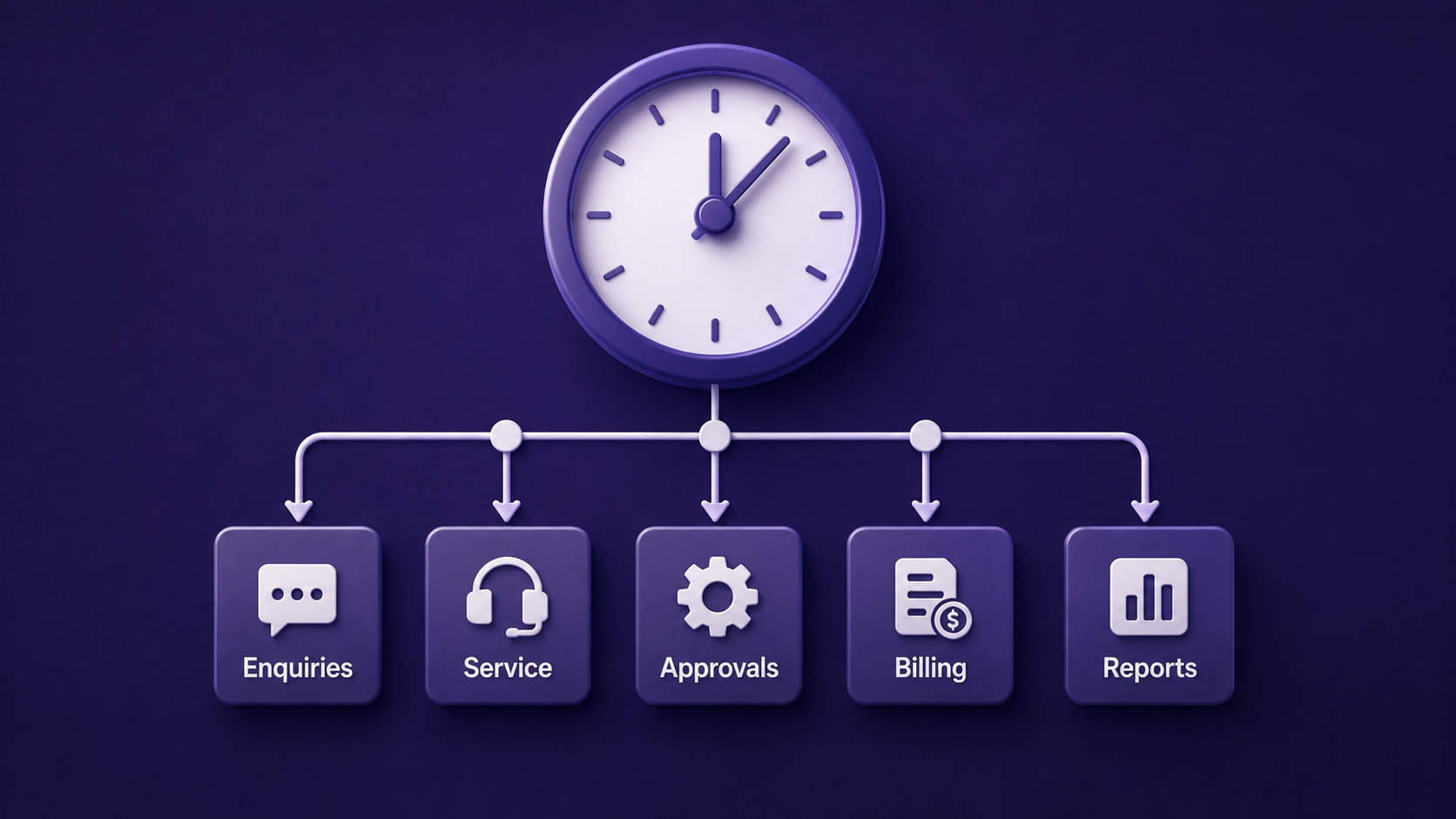
"We respond within 48 hours" is on almost every service charter in South Africa. Very few organisations can prove it. The problem is rarely effort. It is that the SLA was written as a promise instead of designed as a measurement.
Step 1: Define the clock start
An SLA without a defined start is unmeasurable. The start is the moment the request enters the system, not the moment a staff member notices it. That means every channel, email, phone, portal, WhatsApp and walk-in, must create a record with a timestamp automatically.
Step 2: Separate response from resolution
These are two different commitments and mixing them is the most common design error:
- First response — someone has acknowledged and owns it
- Resolution — the request is closed and the requester agrees
Fast acknowledgement is cheap and removes most complaint volume. Resolution targets should be set per category, because a password reset and a grant appeal do not belong on the same clock.
Step 3: Use business hours, not calendar hours
If your office closes at 16:30 and an enquiry arrives at 16:20 on a Friday, a 4-hour calendar SLA has already breached by Saturday morning. Configure operating hours and public holidays, and measure elapsed working time. This is the single change that makes SLA reporting credible internally.
Step 4: Tier by impact, not by who is shouting
A workable four-tier structure:
| Priority | First response | Resolution |
|---|---|---|
| Critical — service down, statutory deadline | 1 hour | 8 hours |
| High — blocks the requester''s work | 4 hours | 2 working days |
| Normal — standard enquiry | 1 working day | 5 working days |
| Low — information request | 2 working days | 10 working days |
Publish the definitions, not just the numbers, so priority is assigned by criteria rather than by tone of voice.
Step 5: Escalate before breach, not after
Escalation at breach is a post-mortem. Escalation at 75% of the clock is a save. Automated warnings to the owner and the supervisor at the 75% mark change outcomes more than any monthly report.
Step 6: Report the numbers that expose weakness
Average turnaround hides everything. Report instead:
- Percentage met, per category and per department
- Worst case and the 90th percentile
- Breach count with reasons
- Reopened requests — a resolution that did not resolve
- Ageing backlog by owner
Step 7: Review the targets quarterly
An SLA that is met 100% of the time is either well run or too loose. An SLA breached constantly is not a performance problem, it is a capacity or design problem. Both need the same quarterly conversation with real data on the table.
Making it operational
Recenvy''s helpdesk applies SLA policies per category and priority, calculates against configured business hours and holidays, escalates automatically before breach, and shows SLA status on every request queue so nothing breaches quietly. Turnaround reporting comes from the request records themselves, which is what makes it defensible.
More articles
- About Recenvy: Business Software Built in South Africa — Who we are and what we build: Recenvy is a South African business operating system for stakeholders, enquiries, sales, billing, projects and client portals.
- CRM Software in South Africa: What Local Teams Actually Need — A practical guide to choosing CRM software in South Africa — rand invoicing, VAT, POPIA, local support and why most teams need more than a deal tracker.
- Why Recenvy: One System for Enquiries, Sales, Delivery and Billing — What Recenvy is, who it is built for, and why South African teams use one platform for stakeholders, helpdesk, quotes, VAT invoicing, projects and a client portal.