How to Choose a CRM in South Africa: A Buyer's Checklist
By Recenvy Team ·
A step-by-step checklist for choosing a CRM in South Africa: scoping the real workflow, local requirements, permissions, data migration, trials and total cost.
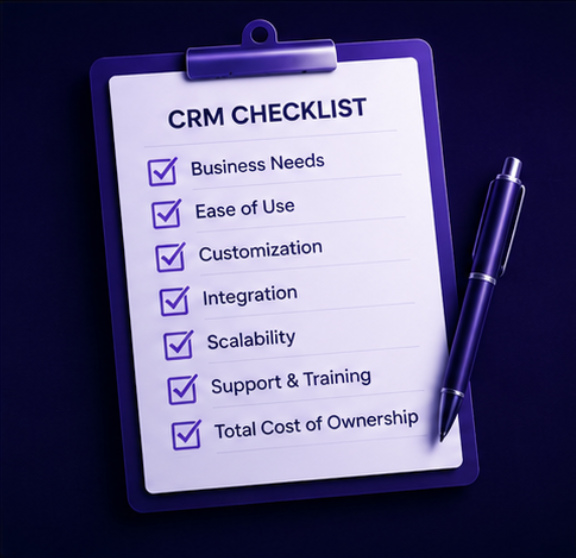
Software selection goes wrong in a predictable way: a feature comparison spreadsheet, a good demo, and a system nobody uses six months later. Here is a sequence that avoids that.
1. Write down the workflow you are buying for
Pick your two or three highest-volume flows — say "enquiry to resolution" and "quote to payment" — and write each step, who does it, and what currently goes wrong. This document, not a feature list, is your evaluation criteria.
2. Separate must-have from nice-to-have
Be strict. A must-have is something that, if missing, means you keep the old spreadsheet. Everything else is negotiable and should not drive the decision.
3. Check the South African essentials
- Rand formatting and VAT on quotes, invoices, credit notes and statements
- Local phone number handling and duplicate detection
- SAST timestamps and configurable business hours for SLA clocks
- POPIA-minded access control, audit trail and data export
- Support hours that overlap your working day
4. Interrogate permissions early
Ask to see the role editor, not a slide about it. Can you hide a menu, block an export, restrict records to a department, and prove what a specific role can do? Permissions are the thing you cannot bolt on later.
5. Plan the data migration before you sign
List what must move: clients, contacts, open items, historic invoices, documents. Confirm the import format, whether duplicates are detected, and who does the mapping. Test with a real sample file, not five clean rows.
6. Run a trial on real work
Give two or three people the system and one live workflow for a fortnight. Judge it on whether the work got easier, not on whether the demo was impressive.
7. Count the total cost
Licence fees per user are the visible part. Also count integrations you will need, the admin time to keep separate systems agreeing, and the cost of the reporting someone assembles manually every month. A single system that removes three of those is often cheaper than the cheapest licence.
8. Decide what "one system" means to you
If your day is mostly deals, a sales CRM may be enough. If your day is enquiries, service delivery, approvals and billing, you are shopping for an operating system and should evaluate it as one.
Next: CRM software in South Africa — what local teams actually need.
More articles
- About Recenvy: Business Software Built in South Africa — Who we are and what we build: Recenvy is a South African business operating system for stakeholders, enquiries, sales, billing, projects and client portals.
- CRM Software in South Africa: What Local Teams Actually Need — A practical guide to choosing CRM software in South Africa — rand invoicing, VAT, POPIA, local support and why most teams need more than a deal tracker.
- Why Recenvy: One System for Enquiries, Sales, Delivery and Billing — What Recenvy is, who it is built for, and why South African teams use one platform for stakeholders, helpdesk, quotes, VAT invoicing, projects and a client portal.